Odd Bits / Your files
AI Crawler Check
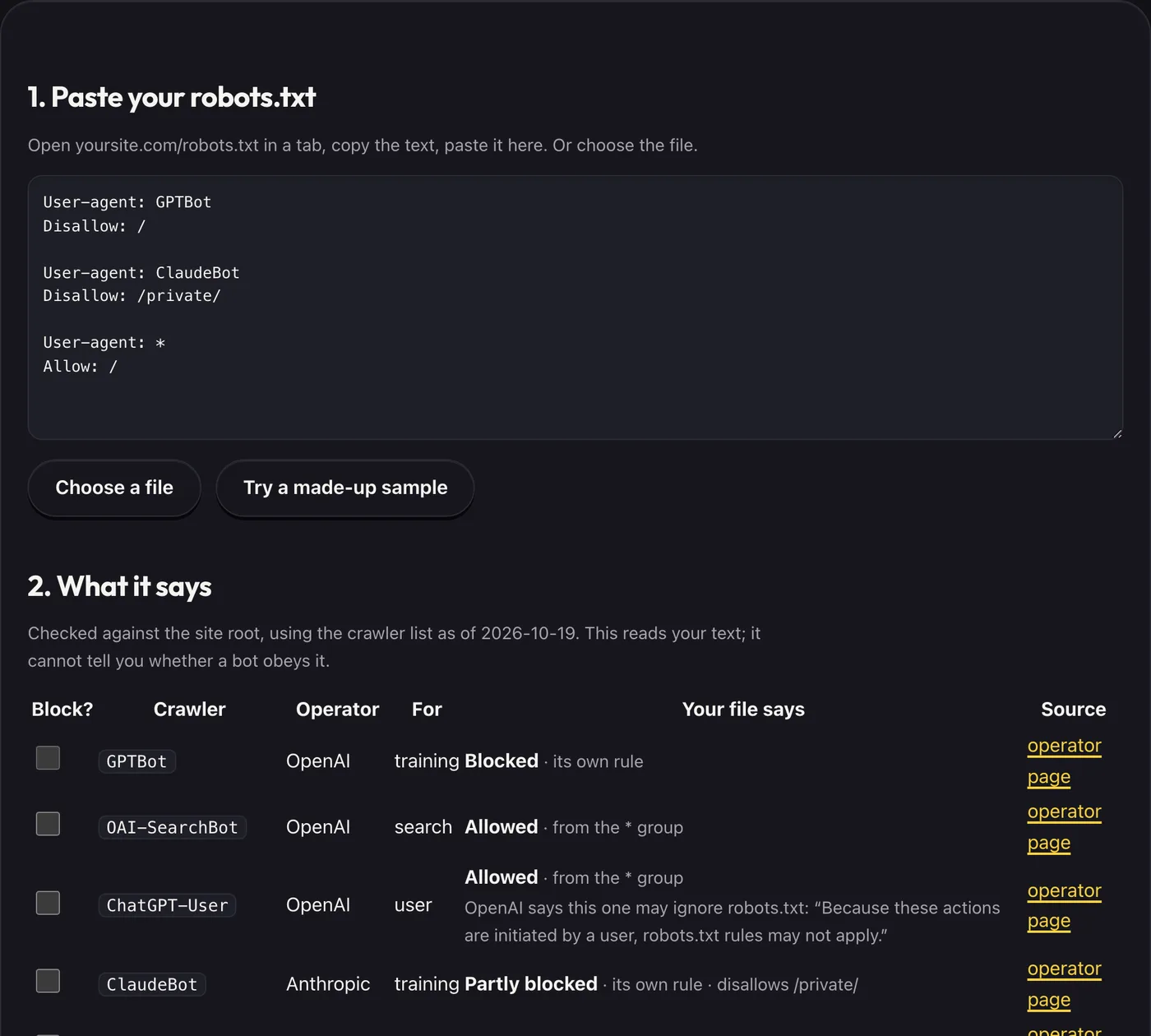
Paste the text of your robots.txt and see, for each AI crawler we list, whether it is allowed in, blocked, or only partly blocked, and which lines to add to block the ones you choose. It reads the text you paste. It does not visit your site.
- What you get
- Which known AI crawlers your robots.txt allows or blocks
- Each answer with the rule behind it
- Sourced notes on what each crawler is
- Works with
- robots.txt
- Version
- v1.0, updated 2026-10-19
1. Paste your robots.txt
Open yoursite.com/robots.txt in a tab, copy the text, paste it here. Or choose the file.
What it never does
- Fetch your site or any other site: you paste the file
- Upload what you paste
- Say whether a crawler actually obeys robots.txt: the file is a request, and nothing here can check what a bot does
- Say what blocking or allowing will do to your traffic or to how AI products show your site
Questions
Where does the crawler list come from?
Each entry links to the operator's own page, which we read on 2026-10-19. These lists change, so check the source before you rely on a row.
What do "training", "search" and "user" mean?
They are the operator’s own descriptions, shortened: collecting content that may be used to train models, finding pages for an AI search feature, or fetching a page because a person asked an assistant to. Several operators run a separate crawler for each, so blocking one does not block the others.
How does it decide allowed or blocked?
It follows the robots.txt standard (RFC 9309): the group named for the crawler wins, otherwise the "*" group; the longest matching rule wins and Allow beats Disallow on a tie. It checks the site root. "Partly blocked" means some paths are disallowed but not the root.
Is a crawler we do not list safe?
No. The list is the ones whose operators publish a robots.txt token. Others exist, and some ignore robots.txt.
Crawler names appear only to identify them in robots.txt. Not affiliated with or endorsed by OpenAI, Anthropic, Google, Apple, Meta, Amazon, Perplexity or Common Crawl.