Odd Bits / Your files
Subscription Sniffer
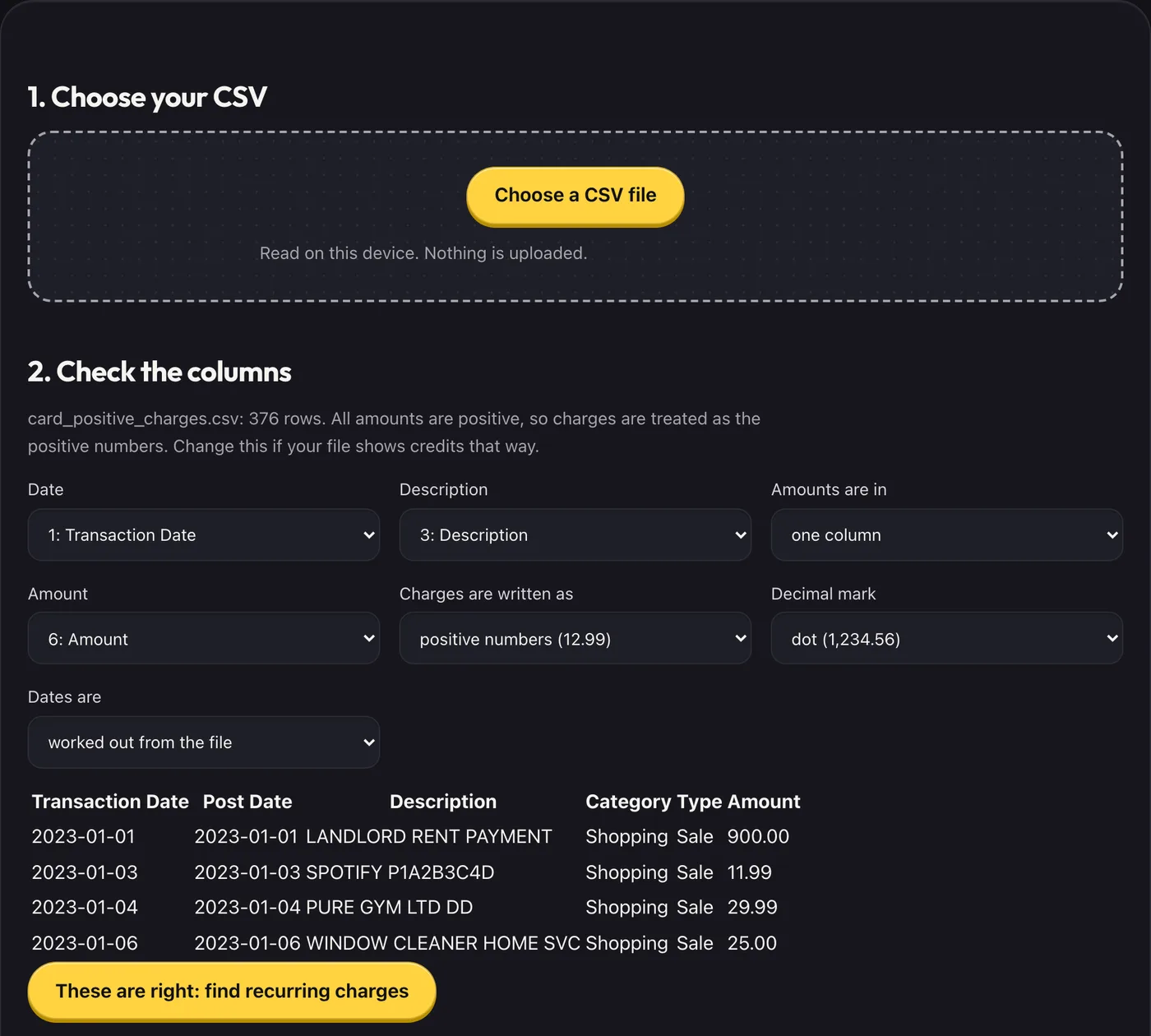
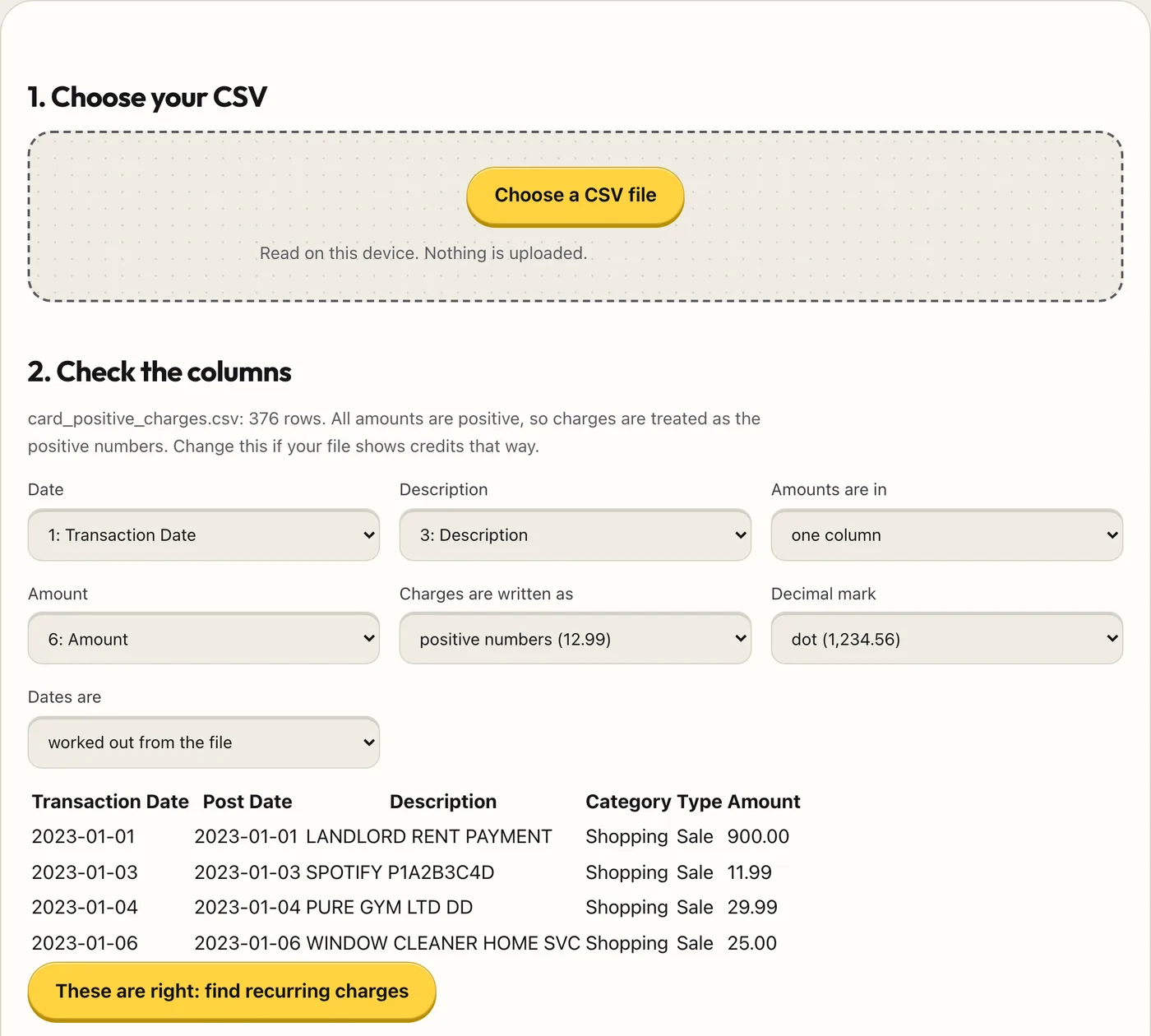
Drop in a CSV export from your bank or card. You confirm which column is the date, the amount and the description, and it lists the charges that repeat on a regular schedule, with a yearly estimate. It finds patterns, not proof.
- What you get
- Recurring charges found in your statement, with a yearly estimate
- Most bank and card CSVs work; you map the columns once
- A report as a CSV and a printable page
- Works with
- Bank statement CSV
- Version
- v1.0, updated 2026-10-19
1. Choose your CSV
Read on this device. Nothing is uploaded.
What it never does
- Upload your statement or send any part of it to a server
- Connect to your bank or ask for a login
- Tell you what you are paying for: it only shows charges that repeat, labelled likely or possible
- Cancel anything for you
Questions
Which files work?
CSV exports with a date, a description and either one amount column or separate debit and credit columns. Comma, semicolon and tab separated, and 1,234.56 or 1.234,56 amounts. It guesses the columns and you confirm them.
How sure is "likely recurring"?
Likely means the same merchant charged on a steady schedule at least three times. Possible means a weaker pattern (two yearly charges, or an amount that changes each time). Neither is proof: a gym, a utility and a habit can all look alike.
Why might a subscription be missing?
The file may cover too short a period, the merchant name may change between charges, or it may be paid from another account. A "may have stopped" mark means no charge near the end of the file; it can have moved to another card.
What does the free scan show, and what is in the report?
The scan and its tables on screen are free. A downloadable report (CSV and printable page) goes on sale soon.
Does it handle other currencies?
It reads the numbers and notes the currency symbols it sees, but does not convert. If a file mixes currencies the totals are mixed too, and it says so.