Odd Bits / Your files
Folder Scrub
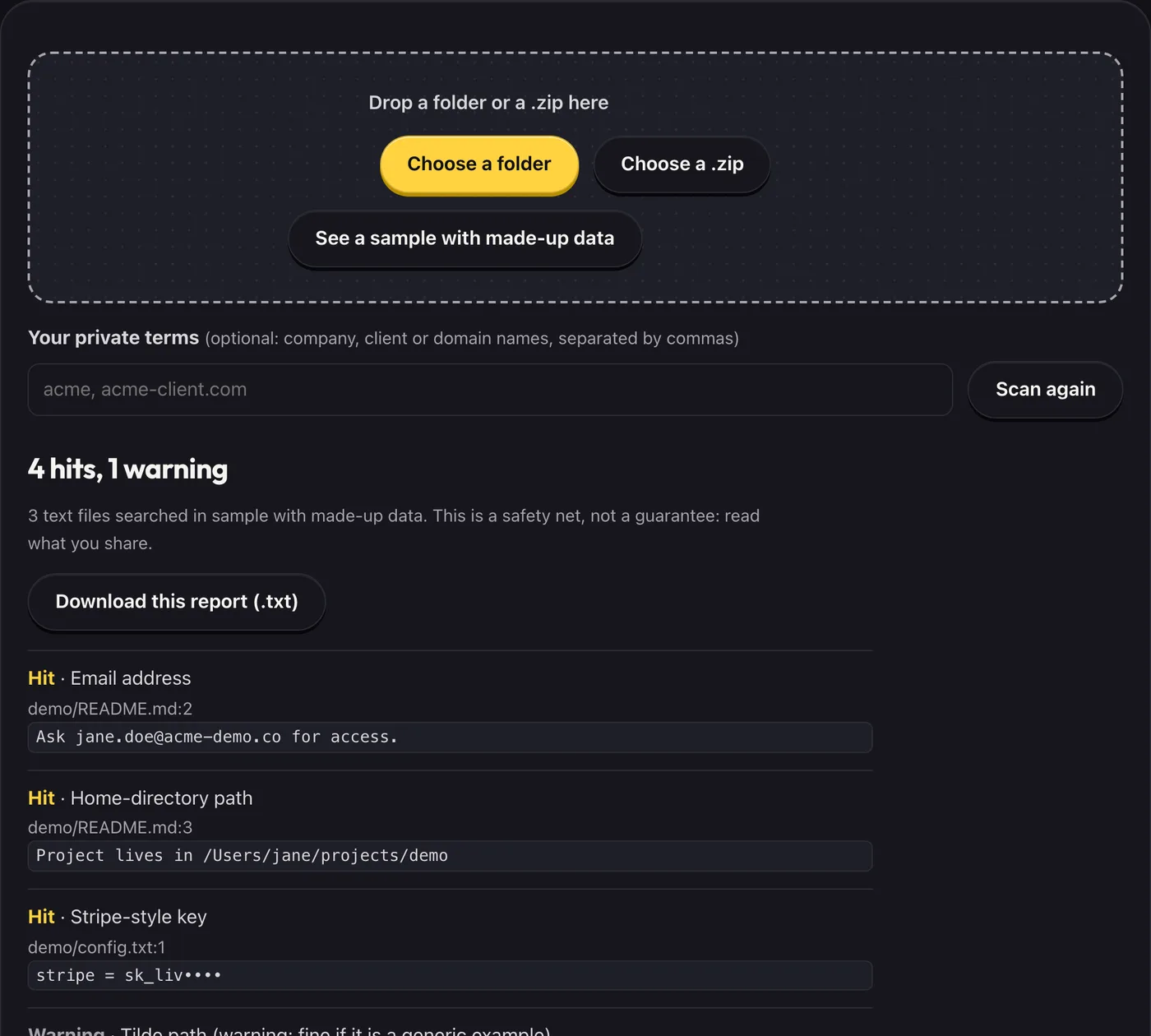
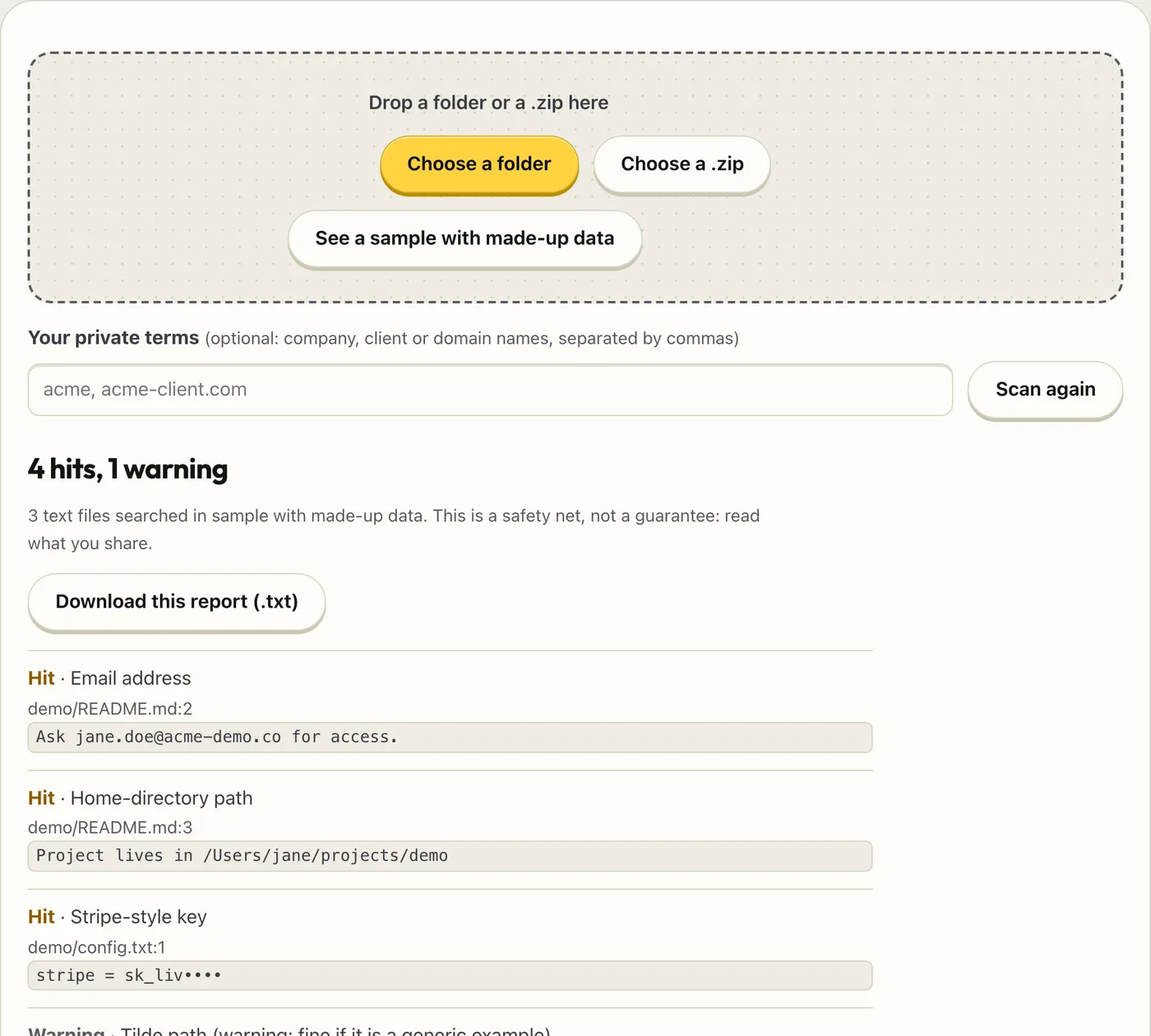
Before you zip a project, push a repo, or send a folder to a client, drop it here. It lists the files and lines that contain emails, things that look like keys or tokens, .env files, and paths that include your username.
- What you get
- Emails, key-like strings, .env files and home paths flagged with file and line
- Secrets masked in the results
- A safety net before you share a folder, not a guarantee
- Works with
- Folders.zip files
- Version
- v1.0, updated 2026-10-19
Drop a folder or a .zip here
What it never does
- Upload, store or send your files: the code that reads them makes no network calls, and the page tells the browser to block connections to other sites
- Change or delete anything in your folder
- Say a folder is “clean” or “safe”: the result reads “Nothing found by these patterns”, “No hits in the N text files searched, but M not searched”, or “Nothing could be searched”. It never says “nothing found” when something went unsearched
- Look for phone numbers, street addresses, names, or secrets inside images
- Check against any list of leaked keys, or tell you whether a key is live
- Open the .git folder, so it does not read Git history
Questions
What does it flag?
Email addresses (reserved example domains such as example.com show as warnings). Well-known key formats: Stripe, Google, AWS, GitHub, Slack, Supabase, JWT-shaped tokens, private-key blocks and sk- style keys. URLs with a password in them. Lines where a name containing key, secret, token or password is set to a value of 16 or more characters with no spaces (a short value or a passphrase with spaces is not flagged). Files by name: .env files (.env.example is only a warning), key and certificate files, .htpasswd, .git-credentials, .netrc. Home-directory paths (/Users/name, /home/name, C:Users ame); ~ paths show as warnings. Any words you add as your own private terms.
Is this a security scanner?
No. It is a safety net made of text patterns. It misses things (an unusual key format, a secret in an image) and flags things that are fine (an example email). Read what you share.
Will it find every secret?
No. “Nothing found by these patterns” means exactly that.
What does it not search?
Binary files, files over 5 MB, and the .git and node_modules folders. Every one of them is listed in the results, and the headline says how many were not searched. A .git folder can hold old secrets from earlier versions: check it separately.
How big a folder can it handle?
Up to 50,000 files, each up to 5 MB. A zip can be up to 300 MB, and zips inside zips are opened up to three levels deep. The 5 MB limit applies to each file inside a zip. Bigger files are listed as not searched. Very large folders can take a while, and the page says if it stopped early.
Does it work on a phone or in any browser?
Choosing a zip works in any current browser (it needs a recent browser that can unzip files natively). Choosing or dropping a whole folder needs a desktop browser.
Why are keys partly hidden in the results?
So the results, a screenshot of them, or the report you download never contain the full key. The file and line tell you where to look.
What if it finds a real key?
Change the key at the service that issued it. Deleting the file does not undo having shared it.
Is anything uploaded?
No. Open your browser’s network tab and let the page finish loading, clear the list, then run a scan: nothing that carries your files appears. (The browser may load other pages of this store in the background while you browse; that is separate from scanning.) See “Why nothing uploads” in the store FAQ.