Odd Bits / Your files
Privacy Leak Check
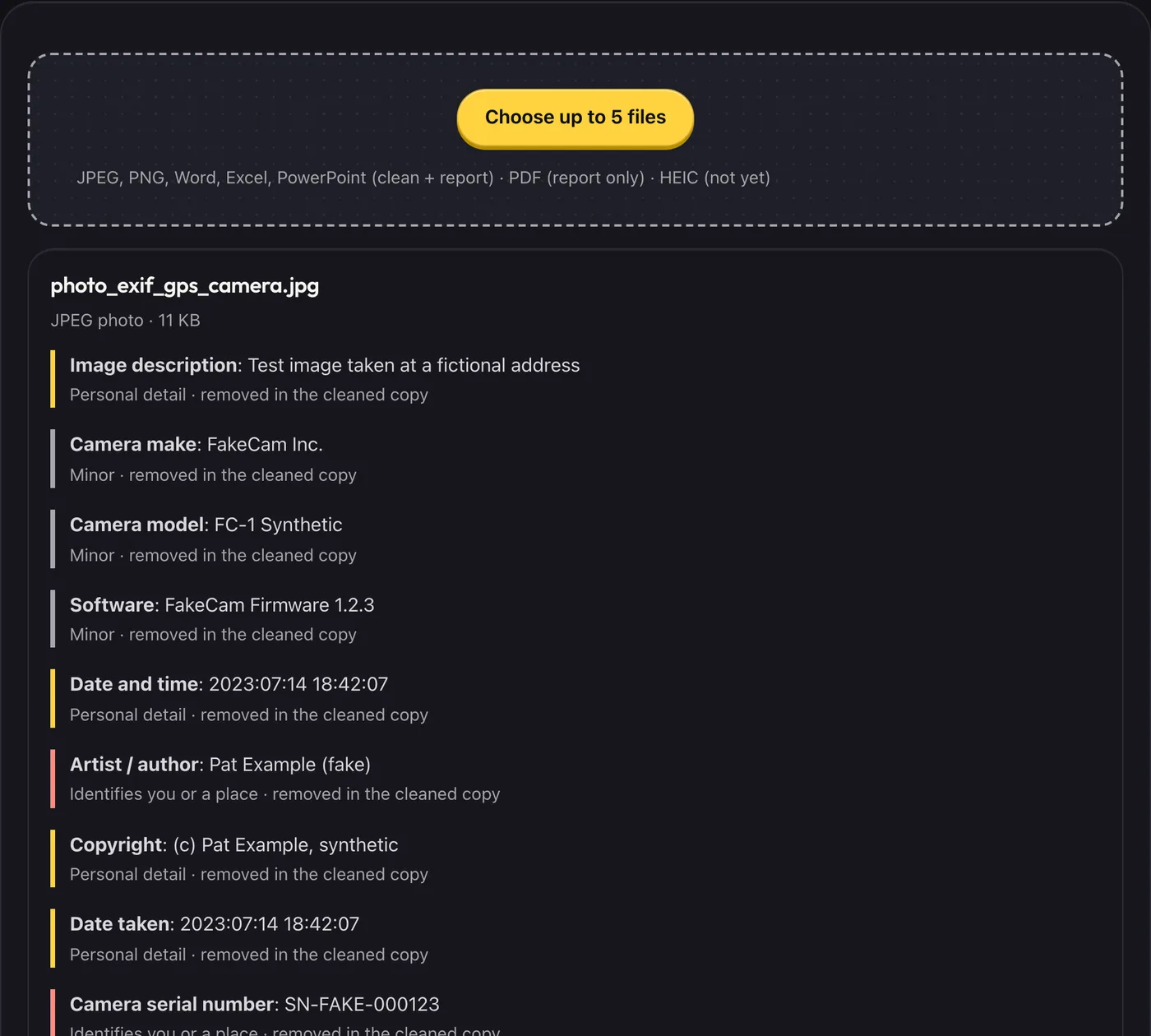
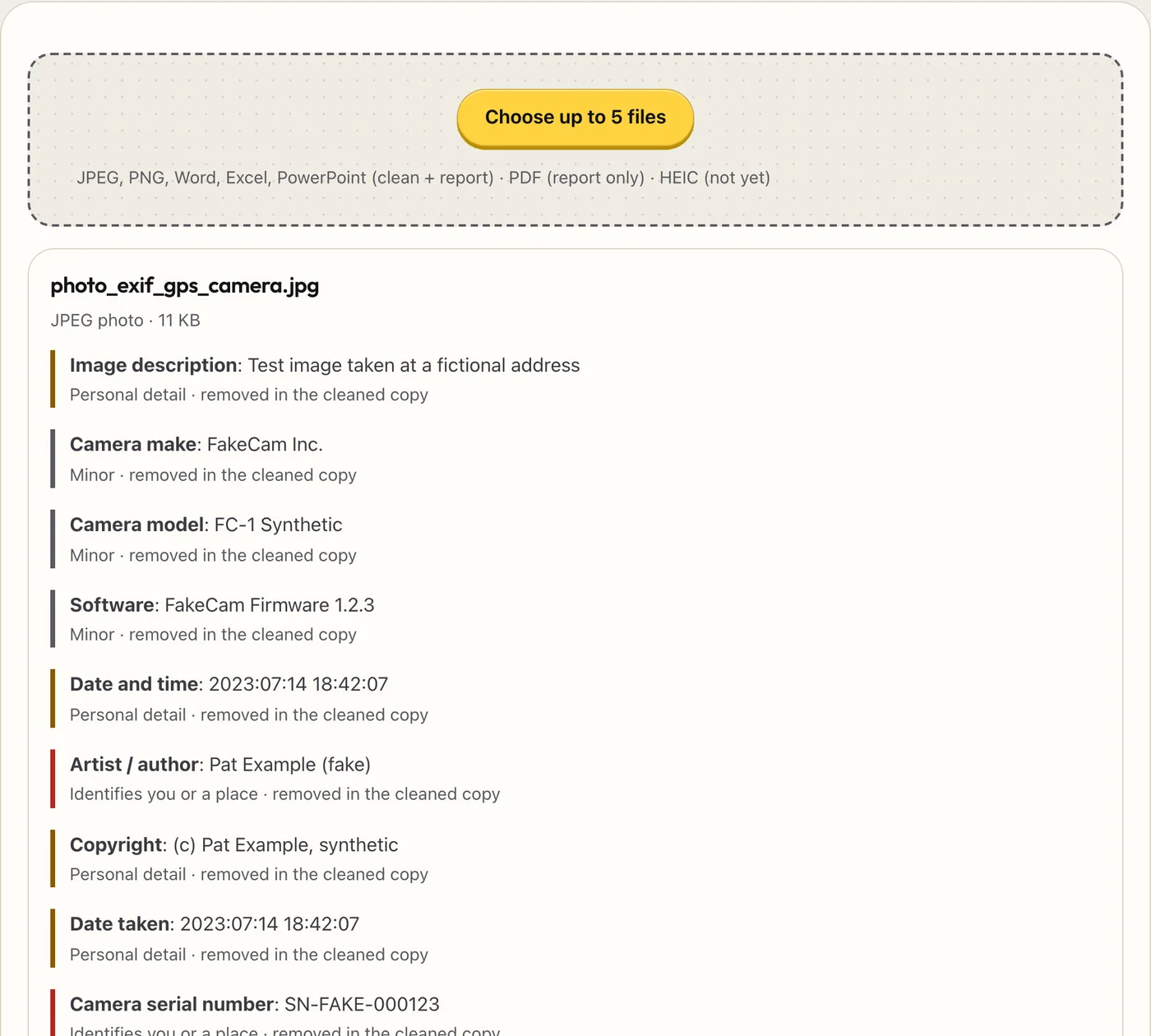
Photos and documents carry details you can't see: where a photo was taken, which phone took it, who wrote a document and who last edited it. Choose a file to see what's inside, then save a cleaned copy. A safety net, not a guarantee.
- What you get
- A list of the hidden details in your photos and Office files
- A cleaned copy with them removed, re-read afterwards with the result shown
- Honest notes on what it did not look at
- Works with
- JPEGPNGWord, Excel, PowerPointPDF (report only)
- Version
- v1.0, updated 2026-10-19
JPEG, PNG, Word, Excel, PowerPoint (clean + report) · PDF (report only) · HEIC (not yet)
Unlocks go on sale soon. Everything free works now.
What it never does
- Upload your files or send any part of them to a server
- Change your original file (you get a separate cleaned copy)
- Change a PDF (PDFs are report-only)
- Remove comments, tracked changes, hidden sheets or speaker notes from Office files (it lists them so you can remove them in the app)
- Look at what is written in the picture or the body of the document
Questions
Does the cleaned copy still look the same?
Photos keep their pixels and rotation. Only the hidden details are dropped. Colour profiles are kept.
Which details does it remove?
Photos: location, camera and lens details and serial numbers, dates, author, comments, thumbnails and extra data after the picture. Office files: author, last modified by, company, manager, custom properties and the same details inside pasted photos.
What does it miss?
Anything it does not read: details inside PDFs’ compressed parts, the body text of a document, video files, and HEIC photos. It lists what it could not check for each file.
Why is HEIC not supported?
iPhone HEIC files need a different reader. Until it is added, export the photo as JPEG and check that.
Why only 5 files?
The free version checks five at a time. Run it again for more.