Odd Bits / Your files
Year in review
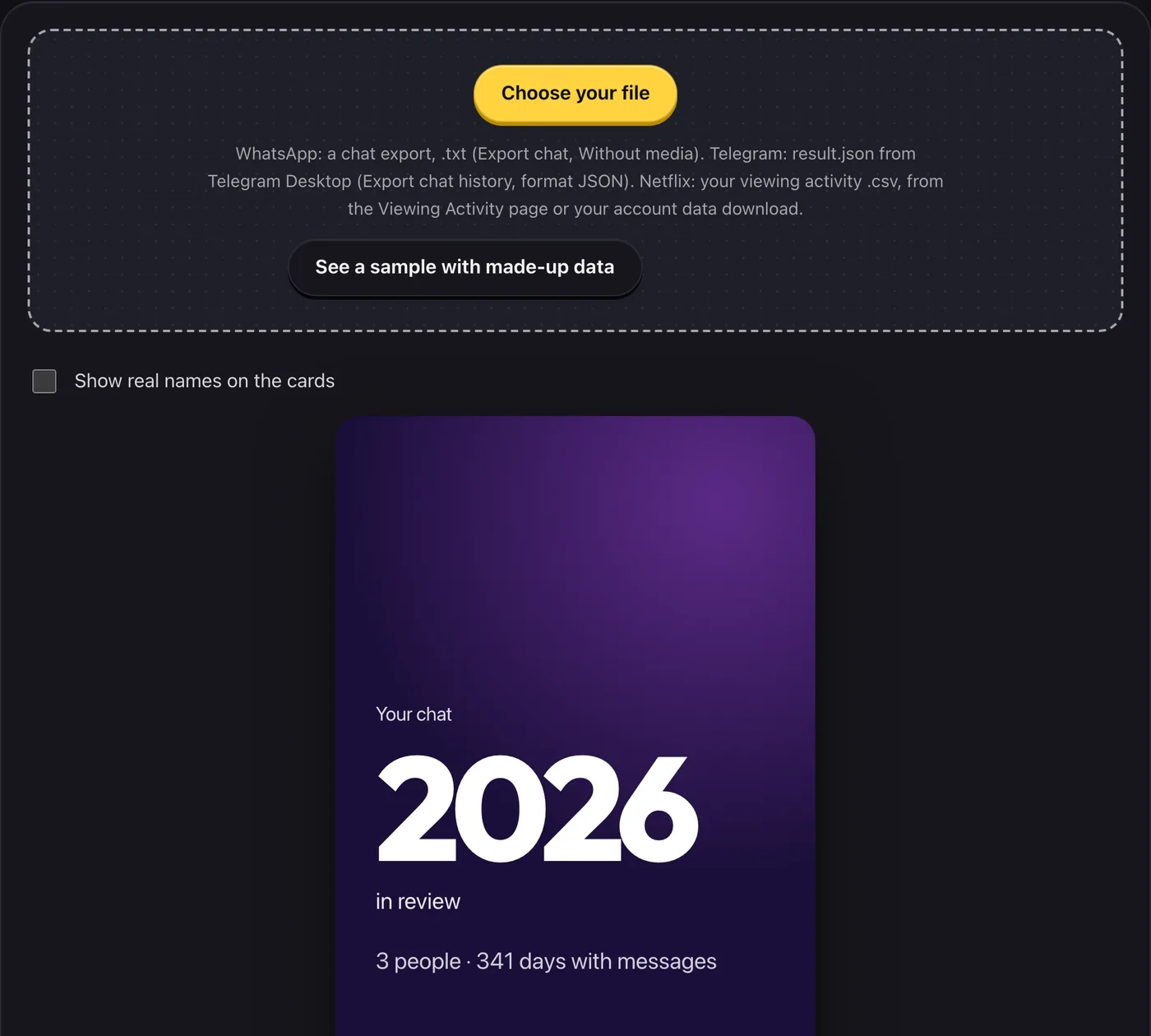
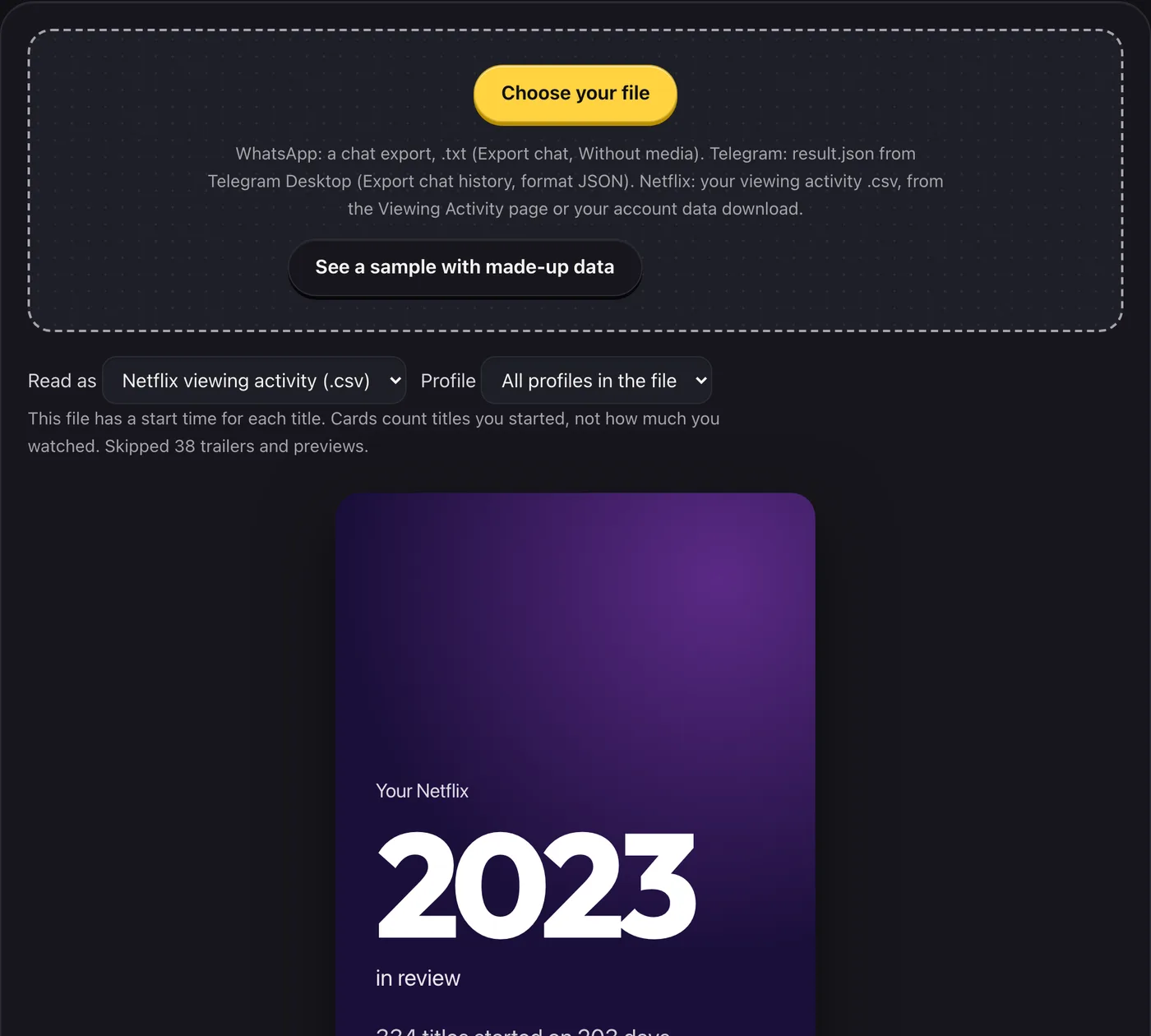
Choose a WhatsApp or Telegram chat export, or your Netflix viewing activity, and get cards you can save and share: counts, your busiest day, streaks and a one-line verdict.
- What you get
- Up to eight shareable 9:16 cards from your own chat or viewing history
- Busiest day, streaks, favourites and a one-line verdict
- Names hidden by default, PNG download
- Works with
- WhatsApp .txtTelegram result.jsonNetflix .csv
- Version
- v1.1, updated 2026-10-19
WhatsApp: a chat export, .txt (Export chat, Without media). Telegram: result.json from Telegram Desktop (Export chat history, format JSON). Netflix: your viewing activity .csv, from the Viewing Activity page or your account data download.
Unlocks go on sale soon. Everything free works now.
What it never does
- Upload your file or send any part of it to a server
- Show real names on a card unless you tick the box (Netflix cards show titles, never profile names)
- Say how long you watched: a Netflix file records when a title was started, so the cards say “started”
- Quote your messages: chat cards show counts, emoji and common words
- Ask you to sign in or connect an account
Questions
How do I export a WhatsApp chat?
In WhatsApp open a chat, tap its name, choose Export chat, then Without media. Choose the .txt file here. A .zip needs unzipping first.
How do I export a Telegram chat?
Telegram’s export is made in Telegram Desktop (the computer app), not the phone app: open a chat, open its menu, choose Export chat history, set the format to JSON and leave media off. Choose result.json here. You can move the file to your phone and use this page there. A full export with many chats lets you pick one.
Which Netflix file do I use?
The viewing activity .csv: either “Download all” on your account’s Viewing Activity page, or ViewingActivity.csv from an account data request. If the download does not work for you, you can ask Netflix for your data from your account’s privacy settings. Only English column names are read for now.
Why “started” and not “watched” for Netflix?
The simple file records the date you began a title, and the full one adds a start time. Neither says how much you watched, so the cards never guess at hours. If the file has durations, one card says how long the titles were open, which is not the same as watched.
My dates look wrong.
Some exports write 03/04 without saying which is the month. If that is the case a day/month switch appears; flip it. Netflix times in the full export are converted to your device’s time zone.
Does it work for group chats and big chats?
Yes. The file is read in the background so the page stays responsive, up to 250 MB. Names are shown as Person 1, Person 2 and so on unless you choose to show them.
Not affiliated with, endorsed by or sponsored by WhatsApp, Meta, Telegram or Netflix. They are named only to say which export this reads. No logos or artwork are used.